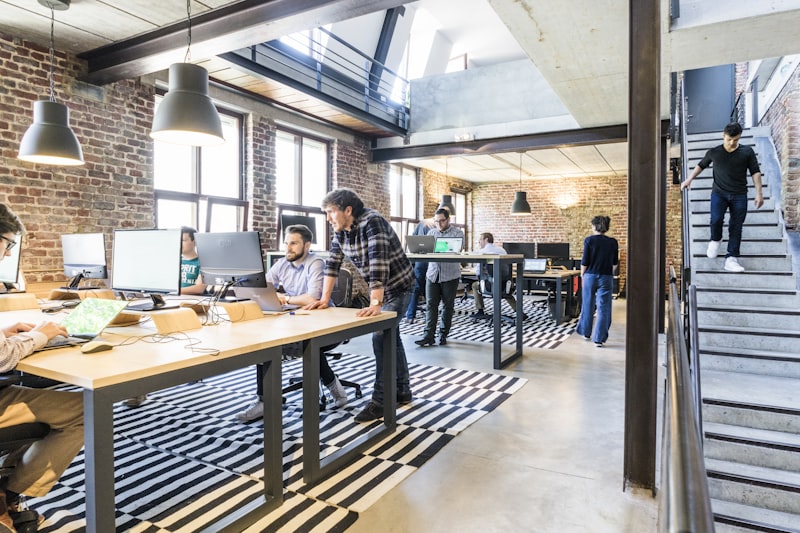
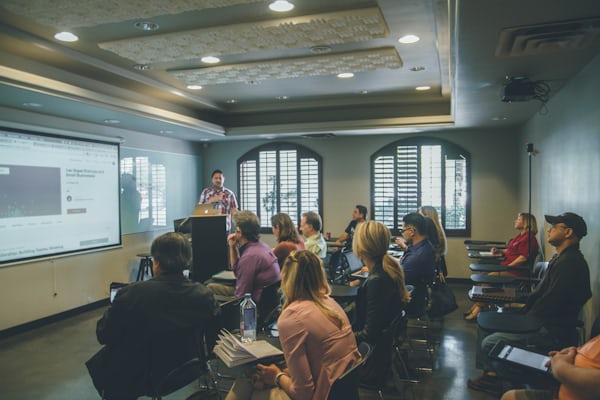
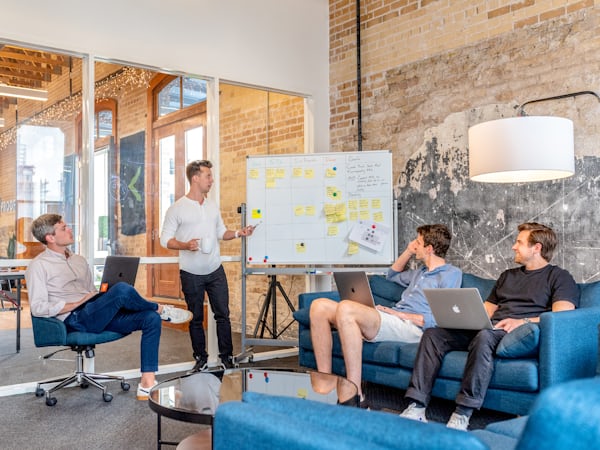
Live feed: Instagram does not allow this site to pull your grid automatically without Meta’s API. Use Admin → Gallery and paste an embed from Elfsight or Curator.io (connect account @amrita.skillscoach). The feed will appear here.
Gallery
Default images come from the repository. Add more from Admin → Gallery (stored in this browser until you update _data/gallery.yml).
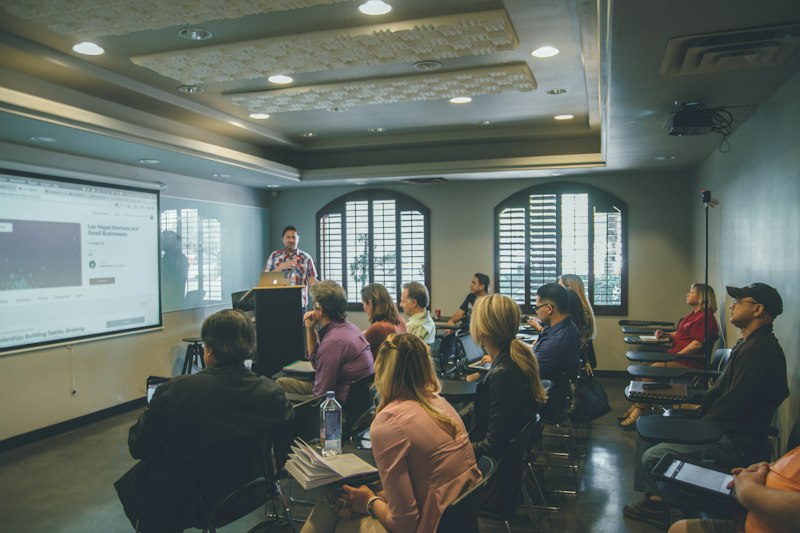
Edit photos, text, tags, and card order. Data is stored in this browser only. To make it permanent for all visitors, update _data/team.yml in your repository to match.
✓ Team updated
Testimonials
These additions are stored in the browser. To make them permanent, edit _data/testimonials.yml in your GitHub repository.
✓ Testimonials updated
Social Media
✓ Social links updated
Live Instagram Feed
Paste an embed code from Elfsight or Curator.io to show a live feed. This replaces the placeholder grid.
YouTube Videos
Paste a YouTube URL to embed the video. Thumbnails are fetched from YouTube automatically.
For permanent changes, edit _data/videos.yml.
✓ Videos updated
Gallery & Instagram
Instagram feed: Your site cannot fetch photos directly from instagram.com (Meta requires server-side API access). Create a free widget at
Elfsight
or Curator.io,
connect @amrita.skillscoach, then paste the embed code below. It will show on the Gallery page.
Manual photos & videos
Add image URLs (direct link to .jpg / .png) or YouTube links. These appear after the default grid from _data/gallery.yml. Stored in this browser only — copy into YAML to publish for all visitors.